


Schedule Pinterest pins

Plan image, video and carousel pins, each with its board, title and link, and let them publish on time.

Three kinds of pin, one composer

What you attach decides the pin. Every pin goes to one of your boards, with a title and a link if you want them.

Image pin

One picture with a description of up to 500 characters, a title of up to 100 and a destination link.

Carousel pin

Two to five pictures in one pin. They all need the same width and height.

Video pin

One video plus one picture, which Pinterest shows as the video's cover.

What Sharek can set on Pinterest

Character limit500
Media items per post5
Post typePin, with a picture, a carousel or a video
BoardRequired. Pick one of your boards
TitleUp to 100 characters
LinkOne destination link per pin
Carousel2 to 5 pictures of the same size
VideoOne video plus a cover picture
First commentNot available

Worth knowing before you pin

  • Every pin needs a board. If you have none yet, create one in Pinterest, and it shows up in the composer.
  • A pin needs at least one picture or video. There are no text-only pins.
  • For a carousel pin, add 2 to 5 pictures, all with the same width and height.
  • A video pin takes one video and one picture, and the picture becomes its cover.
  • Pinterest serves analytics for the last 90 days only.
  • Pins don't take a first comment from Sharek, and Sharek has no inbox.

From idea to board, in three steps

1Connect

Sign in with Pinterest. Your boards load into the composer, so each pin goes where it belongs.

2Plan

Write the description, add the title and link, choose the board, then place the pin on the calendar. Ask Samy if you want a first draft.

3Measure

See impressions, saves, pin clicks and outbound clicks for the account and each pin, within Pinterest's 90 days.

Or pin a whole set from your AI assistant

Connect Sharek to Claude, ChatGPT or Cursor over MCP and describe the pin. Your assistant looks up your boards, sets the title and link, then schedules it.

See how it works with Claude

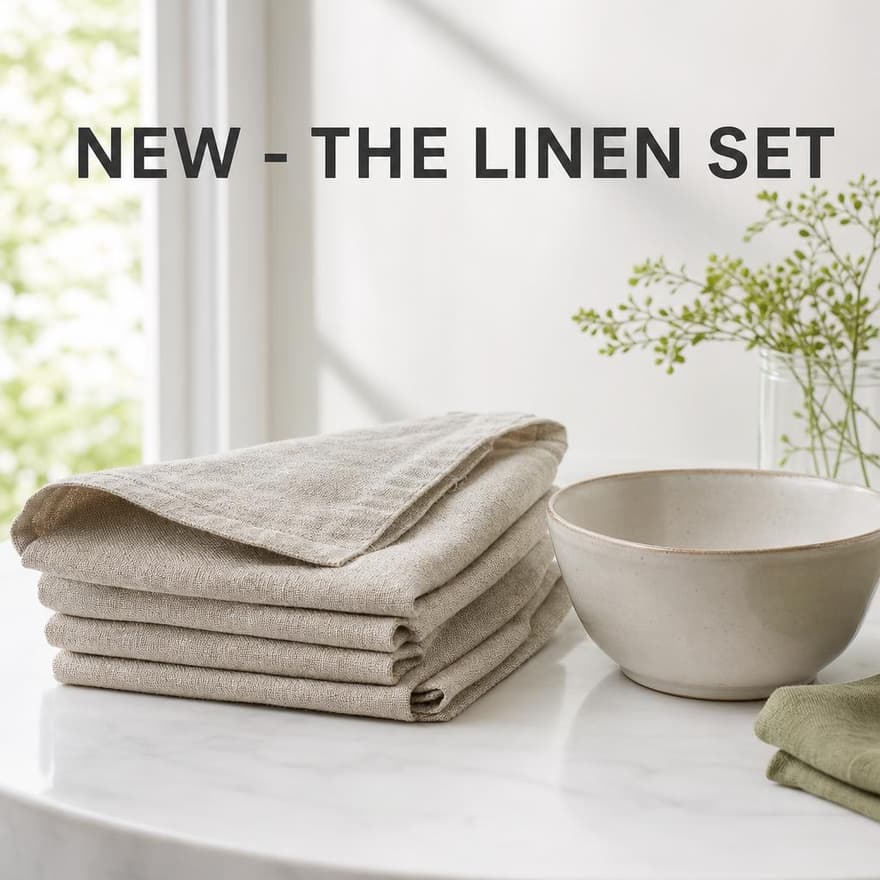
Pin these five photos of the linen set to our Table ideas board as one carousel on Saturday at 10:00, titled Our new linen set.

integrationSchedulePostToolpinterest

See what worked

Pinterest analytics live next to your calendar, for the account and for each pin.

Mixed languages, in the same pin

Each paragraph takes its own direction in the composer, so right-to-left and left-to-right languages can share a pin description and both read properly. The app supports multiple languages, and Samy replies in yours.

Questions, answered

Yes. Schedule image, video and carousel pins from the same calendar as your other channels, each with its board, title and link.
Yes. Every pin goes to a board, and the composer lists yours. If you don't have one yet, create it in Pinterest first.
Yes. Attach one video and one picture. Pinterest uses the picture as the video's cover.
Yes. Attach 2 to 5 pictures with the same width and height, and they go out as one pin.
Up to 500 characters for the description and 100 for the title. The composer counts the description as you type.
For the account: impressions, saves, pin clicks, engagement and pin click rate. For each pin: impressions, saves, pin clicks and outbound clicks. Pinterest serves the last 90 days.
Yes. Each paragraph takes its own direction, so Arabic and English can sit in one description. The whole app is available in Arabic as well.
Plans start at $25 a month for 10 channels, and your Pinterest account takes one. Every plan has a 7-day free trial. We collect a card at checkout, and you can cancel from settings.

Fill your boards for the month

Start with a 7-day free trial, connect Pinterest and schedule your first pin.

Start free trial